Eight Project Management Platforms Built for Nonprofit Operations
Nonprofit organizations need specialized tools to handle grant management, volunteer coordination and donor relations on limited budgets. We evaluated eight platforms to find the best fit for different organizational needs.

Running a nonprofit presents distinct operational hurdles: constrained finances, multidisciplinary workforces and the imperative to maintain strong connections with stakeholders. Project management software tailored to these circumstances should encompass capabilities for grant administration, fundraising support, volunteer logistics and measurable outcomes.
This analysis examines leading project management solutions for nonprofits, weighing their distinctive capabilities, advantages, drawbacks and financial models to guide your organization toward the optimal selection.
Top eight nonprofit project management platforms: Side-by-side comparison
A comprehensive overview of the leading nonprofit project management solutions appears below.
Asana: Tailored for nonprofit operations
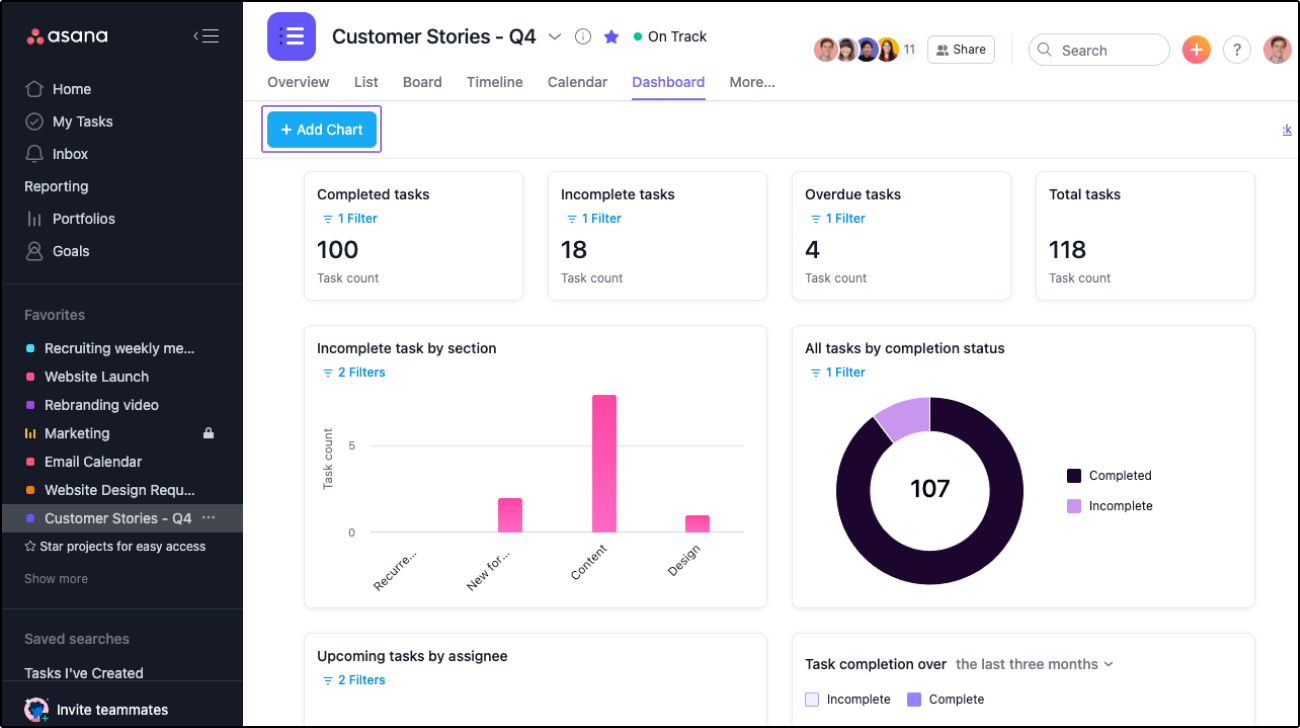
Asana enables nonprofits to consolidate task management, project oversight and workflow coordination in a unified environment. The platform facilitates team coordination, duty assignment, timeline establishment and advancement tracking across initiatives.
Organizations can establish separate project boards addressing distinct priorities including donor campaigns, volunteer administration and event logistics. Each board accommodates task generation, team member assignment and deadline specification.
Nonprofit-specific capabilities include:
- Grant administration
- Fundraising events and campaigns
- Stakeholder relations
- Affiliate network coordination
Pricing
Qualifying nonprofits receive a 50% reduction on their selected plan, along with specialized assistance.
- Personal: Complimentary for up to 10 team members
- Starter: $10.99 per user monthly (annual billing) or $13.49 per user monthly (monthly billing)
- Advanced: $24.99 per user monthly (annual billing) or $30.49 per user monthly (monthly billing)
- Enterprise: Custom pricing
- Enterprise+: Custom pricing
Standout features
- Multiple visualization formats: list, boards, calendar, timeline, portfolios and goals
- Workflow builder
- Unlimited storage capacity with 100MB per file maximum
- Reporting functionality
Top Asana integrations
- MeetGeek: Automatically documents, transcribes and distributes meeting summaries—and establishes automated synchronization with Asana
- Doorbell.io: Transforms customer feedback into Asana tasks
- OneDrive: Permits file attachment from OneDrive to Asana, with Rules enabling automatic task attachment uploads to OneDrive folders
Why we chose Asana: Asana delivers instruments for establishing project timelines, delegating responsibilities to team members and defining completion dates. Nonprofit teams leverage these capabilities to structure and oversee initiatives, maintaining alignment and collective purpose.
Trello: Optimized for smaller organizations
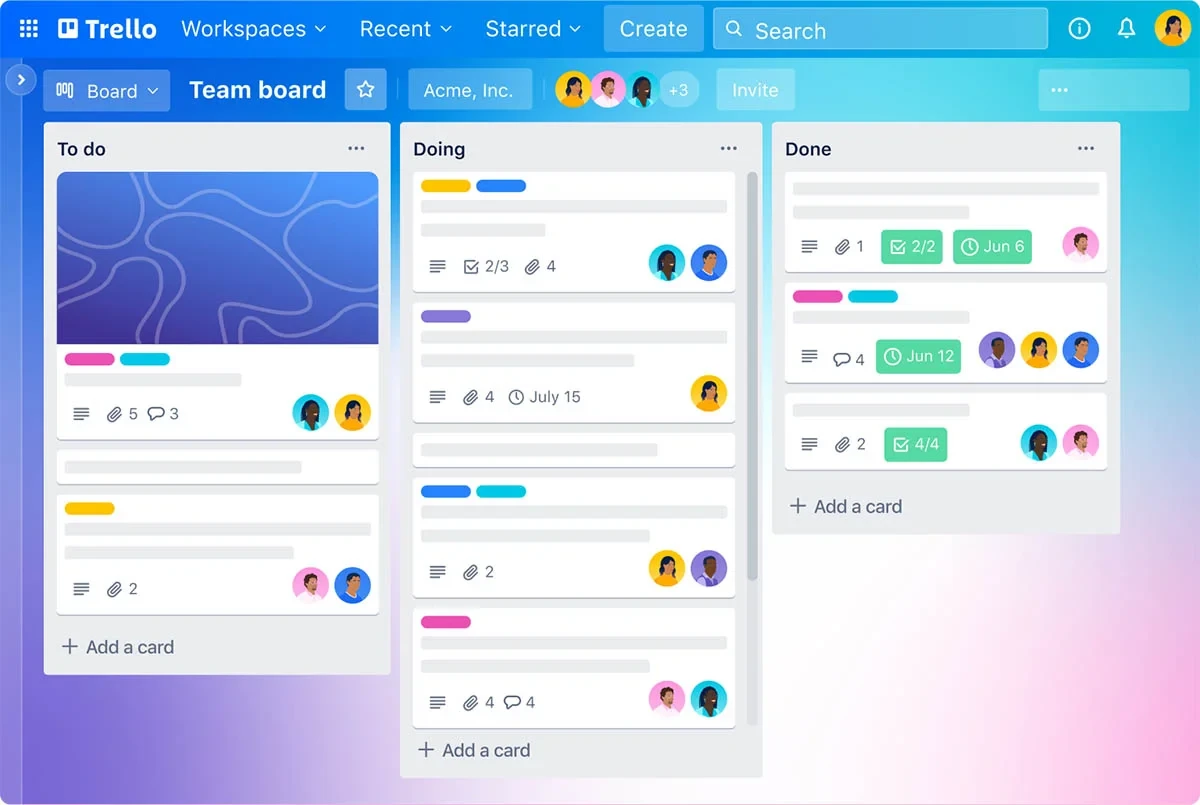
Owned by Atlassian, Trello functions as a web-based, Kanban-structured collaborative workspace for task and project organization. The platform employs an accessible drag-and-drop mechanism for constructing boards, lists and cards. Available as both web and mobile applications, it accommodates teams across multiple devices and operating systems. The offering includes both complimentary and premium tiers, with enhanced capabilities in paid versions.
Trello extends special pricing for nonprofit and educational communities, positioning it as an economical project management solution for these sectors.
Pricing
Through Atlassian, Trello grants registered charitable nonprofits meeting specific criteria—non-governmental, non-academic, non-commercial, non-political and non-religious—a 75% reduction on cloud service pricing. Nonprofits must submit an application to qualify.
- Free: Complimentary for individuals and very small teams; up to 10 boards per Workspace
- Standard: $5 per user monthly (annual billing) or $6 per user monthly (monthly billing)
- Premium: $10 per user monthly (annual billing) or $12.50 per user monthly (monthly billing)
- Enterprise: Ranges from $7.38 to $17.50 per user monthly (annual billing)—final pricing depends on user volume
Standout features
- Mobile device management
- Multiple view formats: map, calendar, table, timeline and dashboard
- Butler automation for task and workflow automation
Top Trello integrations
The platform connects with over 200 applications and services, including:
- Slack: Synchronizes messages and notifications across platforms; delivers Trello activity updates within Slack
- Google Drive: Facilitates attachment of Google Drive files to Trello tasks
- Salesforce: Connects Salesforce contacts to Trello cards
Why we chose Trello: Trello's 75% nonprofit discount substantially reduces software expenditures for these organizations. Its compatibility with widely-adopted nonprofit tools including Google Drive, Slack and Microsoft Teams streamlines operations and simplifies resource administration.
monday work management: Overall leader
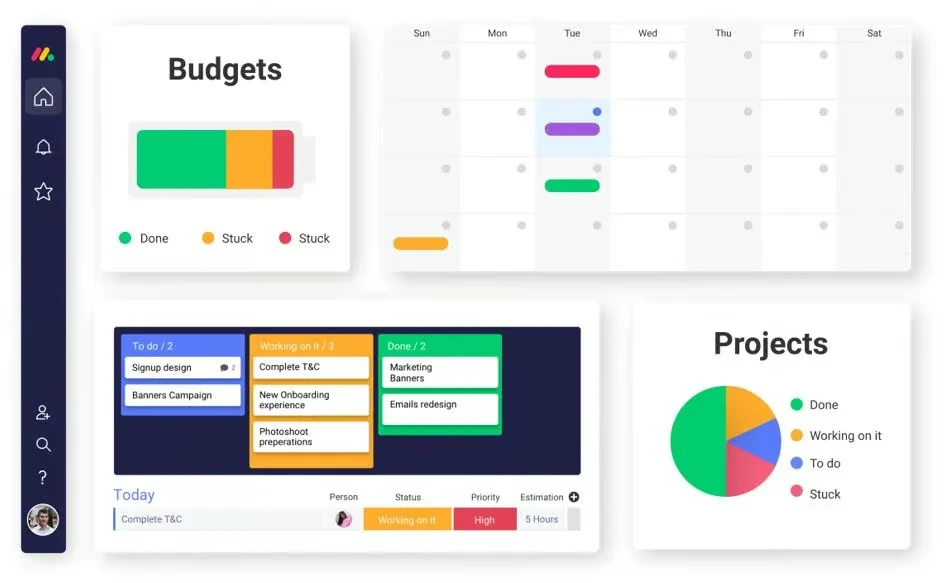
monday work management accommodates diverse operational contexts—marketing initiatives, software development, event coordination and investigative projects. Its adaptability renders it applicable across numerous sectors and work categories. The platform distinguishes itself through intuitive design and comprehensive functionality enabling individuals, teams and nonprofits to systematize, supervise and work together productively.
monday work management incorporates specialized attributes benefiting nonprofits:
- Fundraising campaign administration
- Volunteer administration
- Grant administration
- Stakeholder engagement
- Expense monitoring capabilities
Pricing
monday work management extends discounts to student and nonprofit applicants. Qualifying nonprofits receive complimentary access for their initial 10 members on monday workOS, with supplementary users receiving a 70% reduction from the Pro tier price.
- Nonprofit: $68.4 per user annually
- Enterprise: Custom pricing
Standard pricing structure:
- Free: Complimentary for up to two users
- Basic: $9 per seat monthly (annual billing) or $12 per seat monthly (monthly billing)
- Standard: $12 per seat monthly (annual billing) or $14 per seat monthly (monthly billing); trial available
- Pro: $19 per seat monthly (annual billing) or $24 per seat monthly (monthly billing); trial available
- Enterprise: Custom pricing
Standout features
- Volunteer availability and capacity visualization
- Automated personalized fundraising communications via email and text
- Donor profile-based interaction tracking and administration
- Over 200 project management templates spanning multiple industries
- Multiple visualization options: map, Kanban, timeline, calendar and chart
- Self-service knowledge base
Top monday workOS integrations
- QuickBooks: Establish, oversee and administer QuickBooks entries directly within monday
- Google Drive: Permits direct file attachment from Google Drive to updates
- Stripe: Documents Stripe transaction events in monday.com and notifies relevant stakeholders
Why we chose monday workOS: Nonprofits typically operate with constrained resources and limited finances. monday WorkOS facilitates efficient resource monitoring and administration. Additionally, its fundraising and donor management tools enable campaign execution, donation monitoring and donor engagement.
ClickUp: Maximum value proposition
ClickUp assists individuals and teams in optimizing operations and maintaining organization. The offering encompasses task administration, project supervision, objective specification, team coordination, duration measurement and supplementary capabilities. The platform earns recognition for its configurable interface and versatility, enabling customization to individual requirements and inclinations.
Beyond its feature-abundant and liberal complimentary option, ClickUp furnishes nonprofit reductions to facilitate savings on productivity applications. Organizations can petition for a reduction by submitting particulars regarding their mission. Approved organizations obtain individualized pricing reflecting their circumstances and financial constraints.
Pricing
ClickUp invites nonprofits to submit an application detailing their organization. Qualified nonprofits obtain individualized pricing aligned with their circumstances and resources.
- Free Forever: $0, optimal for individual use
- Unlimited: $7 per user monthly (annual billing) or $10 per user monthly (monthly billing)
- Business: $12 per user monthly (annual billing) or $19 per user monthly (monthly billing)
- Enterprise: Custom pricing
Standout features
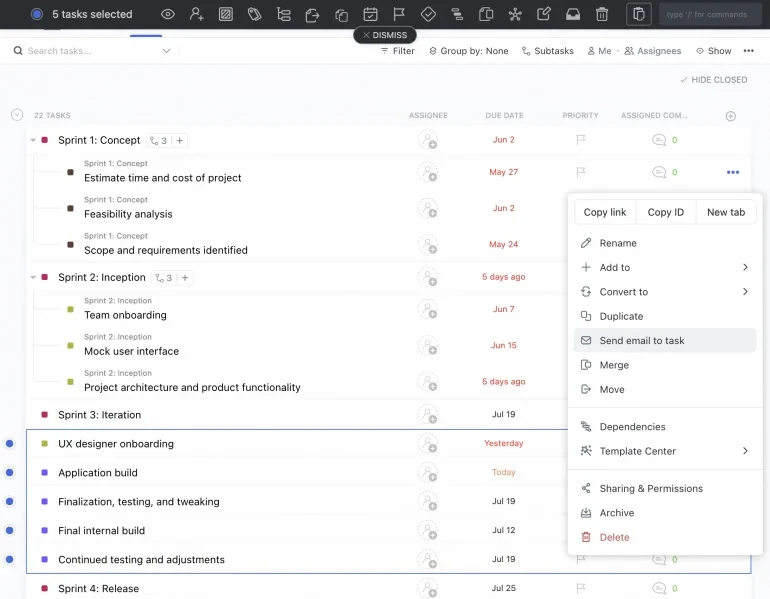
- Over 15 visualization formats: list, board, box, Gantt, mind maps, timeline and additional options
- Natural language interpretation capability
- Multiple assignee functionality
- Volunteer hour documentation
- Volunteer schedule generation and distribution
- Funding computation and administration
Top ClickUp integrations
- Harvest, Time Doctor and Clockify: Duration measurement
- Google Drive, OneDrive and Dropbox: File attachment to ClickUp assignments
- Zoom: Conduct sessions directly from task interface; receive notifications for active sessions with recording hyperlinks
Why we chose ClickUp: ClickUp merges cost-effectiveness with dependable assistance and sophisticated capabilities. The consolidated project management methodology strengthens communication, synchronization and transparency across multiple undertakings.
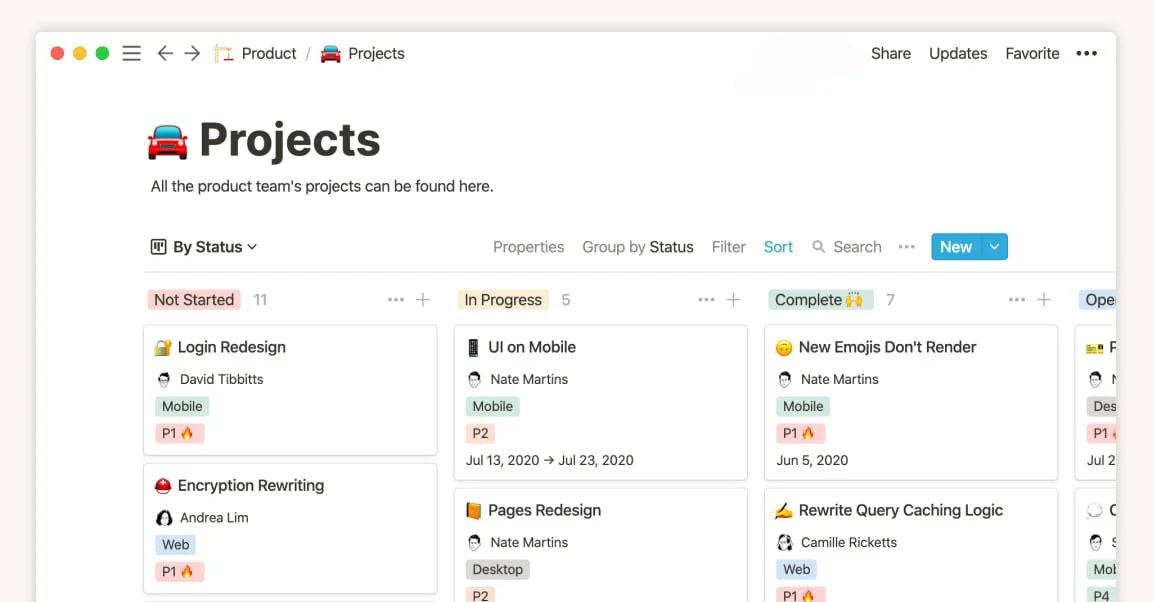
Notion: Information organization platform
Nonprofits seeking to enhance project, task and database administration might explore Notion. Functioning as an integrated workspace utility, it permits generation, arrangement and cooperative work on multiple content categories including annotations, records, checklists and beyond.
Through Notion, nonprofits establish personalized project management frameworks, supervise responsibilities and completion dates, participate in team coordination and incorporate supplementary platforms and data repositories.
Pricing
Notion extends a 50% reduction on their Plus Plan for nonprofits.
- Free: Complimentary plan with restricted capabilities
- Plus: $8 per user monthly (annual billing) or $10 per user monthly (monthly billing)
- Business: $15 per user monthly (annual billing) or $18 per user monthly (monthly billing)
- Enterprise: Custom pricing
Standout features
- Hierarchical organization of annotations and records
- Task and project administration
- Data repository administration
- Cooperative work and dialogue
Top Notion integrations
- Datadog: Facilitates identification, examination and automated countermeasures for security incidents
- Asana: Incorporates Asana responsibilities into Notion for cross-team visibility
- Everhour: Measures duration invested in Notion endeavors and responsibilities
Why we chose Notion: Notion permits consolidation of all undertaking-related materials, records, operations and directives, guaranteeing accessibility for all participants. This arrangement guarantees that critical materials remain systematized and promptly retrievable, facilitating expedited determination and minimizing lookup duration.
Wrike: Portfolio-level administration
Wrike furnishes a consolidated workspace enabling team participation in task generation and delegation, advancement monitoring, deadline specification and reciprocal dialogue. The offering incorporates capabilities including pre-built frameworks, duration measurement, document distribution and analysis, positioning it as a thorough project management answer. Wrike accommodates modification to address distinct team and undertaking circumstances and functions via portable applications or internet browsers.
Pricing
Although Wrike lacks nonprofit-specific reductions, it supplies a complimentary option for unrestricted participants.
- Free: Complimentary for unlimited users
- Team: $10.00 per user monthly (annual billing)
- Business: $25 per user monthly (annual billing)
- Enterprise: Custom pricing
- Pinnacle: Custom pricing
Standout features
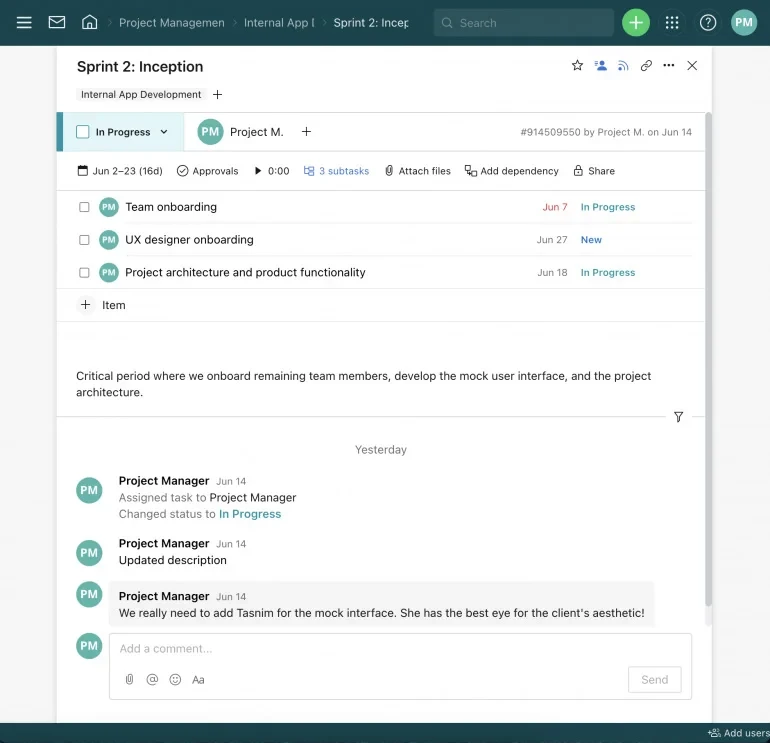
- Task and subtask administration
- Project portfolio administration
- Sophisticated metrics and graphical representations
- Record interpretation and character identification (portable)
- Personnel administration
Top Wrike integrations
- Slack: Transforms Slack exchanges into executable Wrike assignments
- Salesforce: Merges customer information between Wrike and Salesforce
- Microsoft Teams: Participates in Wrike initiatives without departing Microsoft Teams
- Adobe: Expedites Wrike design assignments from Adobe Creative Cloud
Why we chose Wrike: This solution merits consideration for its modifiable workflow functionality, recognizing that each nonprofit maintains distinct operations and procedures. Wrike's versatility facilitates workflow customization according to organizational specifications.
Teamwork: Client engagement focus
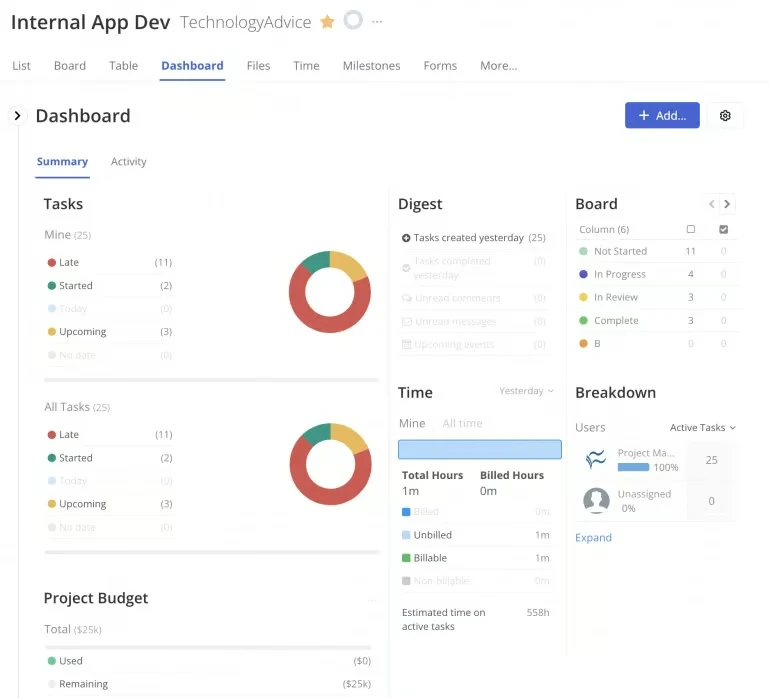
Teamwork functions as a project management utility facilitating team cooperation and task and project organization. It supplies a unified environment where participants can interact, exchange materials, supervise advancement and oversee assets. Nonprofits employ Teamwork for initiative preparation, asset administration, dialogue and cooperation, record administration and examination.
Pricing
Teamwork maintains standard pricing without nonprofit-specific options:
- Free Forever: $0 monthly for up to five users
- Starter: $5.99 per user monthly (annual billing) or $8.99 per user monthly (monthly billing)
- Deliver: $9.99 per user monthly (annual billing) or $13.99 per user monthly (monthly billing)
- Grow: $19.99 per user monthly (annual billing) or $25.99 per user monthly (monthly billing); trial available
- Scale: Custom pricing
Standout features
- Project visualization: List, Table, Boards and Gantt formats
- Billable duration measurement
- Project expenditure administration
- Third-party system connections, encompassing Harvest, HubSpot, SharePoint and additional platforms
- Performance visibility
Top Teamwork integrations
- MS Teams: Facilitates project and page collaboration directly within MS Teams
- Slack: Generates Teamwork assignments from Slack exchanges; supplies instantaneous task notifications via dedicated Slack channel
- Teamwork.com for HubSpot: Establishes undertakings, responsibilities, exchanges, milestones, activities and supplementary items in Teamwork.com directly via HubSpot
Why we chose Teamwork: Teamwork supplies instruments for client recruitment and external work administration. This functionality proves particularly advantageous for nonprofits engaging with external associates, including financial backers, volunteer workers or collaborative entities.
Taskade: Collaboration and communication engine
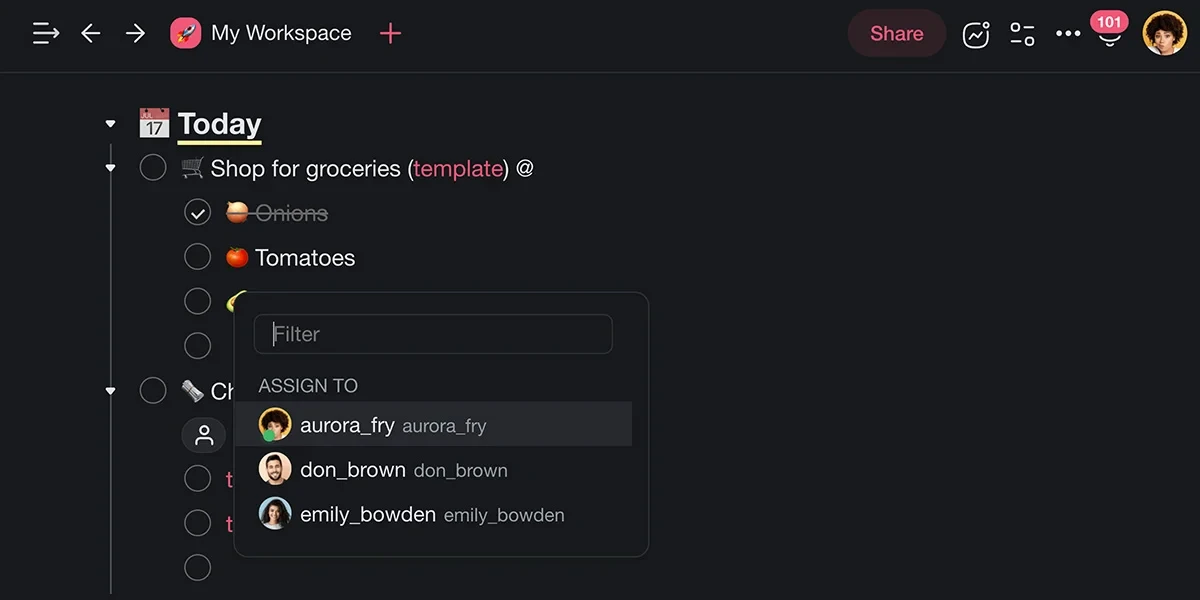
Taskade represents an artificial intelligence-enabled productivity utility facilitating individuals and teams in systematizing, categorizing and working together on responsibilities and undertakings. The offering encompasses responsibility administration, instantaneous cooperation, videoconferencing and undertaking supervision capabilities.
Nonprofits leverage Taskade for undertaking administration and responsibility inventories, cooperative responsibility execution, occasion preparation, fundraising coordination and volunteer and procedure administration.
Pricing
Taskade indicates that their offering functions at no cost for nonprofits.
- Free: Complimentary for up to three users
- Starter: $4 monthly (annual billing) for up to three users
- Plus: $8 monthly (annual billing) for up to three users
- Pro: $19 monthly (annual billing) for up to 10 users
- Business: $8 per user monthly (annual billing) or $12 per user monthly (month-to-month)
- Ultimate: $16 per user monthly (annual billing) or $20 per user monthly (month-to-month)
Standout features
- Integrated video dialogue, display distribution and instantaneous synchronization
- Taskade AI (Utilizing GPT-4)
- Over 500 templates
- Project visualization: list, board, calendar, mind map, action, organizational structure and personalized arrangement
Top Taskade integrations
- Email: Permits electronic transmission of responsibilities to Taskade undertakings
- Box: Facilitates document distribution from Box to Taskade
- Instagram: Permits picture and video distribution from Instagram to Taskade
Why we chose Taskade: Taskade delivers an artificial intelligence-powered project management utility specifically engineered for nonprofits. It furnishes a streamlined and productive mechanism for nonprofits to oversee responsibilities, organize initiatives, participate with collaborators and systematize operations. Taskade operates at no cost for nonprofits.
Essential capabilities in nonprofit project management solutions
Fundraising, grant and donor administration
These platforms regularly incorporate mechanisms supporting nonprofit fundraising administration, encompassing contribution documentation, web-based fundraising initiative generation and grant petition handling. This functionality enables nonprofits to nurture enduring partnerships with their constituencies.
Examination and metrics
The offering should incorporate thorough examination and metrics functionality enabling nonprofits to evaluate, supervise and examine undertaking execution, monetary matters and organizational influence. This facilitates nonprofits in overseeing and quantifying advancement longitudinally and observing volunteer execution metrics alongside organizational wellness.
Cooperative work and dialogue
These environments furnish cooperative and communicative instruments, permitting participants and external associates to participate in undertakings, distribute records, allocate responsibilities and interact instantaneously, augmenting productivity and synchronization.
Personnel and calendar administration
Fundamental undertaking elements requiring careful administration encompass personnel, finances and apparatus. Undertaking accomplishment hinges on efficient resource administration. Nonprofit project management utilities facilitate scheduling and supervision of undertaking landmarks and responsibilities, guaranteeing completion punctually and within monetary parameters.
Compatibility with supplementary platforms
Nonprofit project management utilities regularly incorporate compatibility with platforms regularly utilized by nonprofits, encompassing financial administration systems, customer relationship administration frameworks and electronic correspondence advertising mechanisms. This interconnectedness strengthens information dependability.
Selecting the appropriate nonprofit project management solution
Determining the most suitable nonprofit project management solution demands examination of numerous considerations and contrasting possibilities. The subsequent recommendations facilitate your determination:
- Establish your organization's particular circumstances and specifications: Formulate a compilation of essential functionalities and capabilities anticipated from the system. For illustration, you might necessitate teamwork, duty administration, monetary supervision, examination, dialogue instruments and compatibility with supplementary systems
- Examine and narrow down candidate systems: Identify systems specifically engineered for nonprofits, as they might incorporate functionalities addressing their distinct circumstances
- Assess expenditure and financial considerations: Identify systems furnishing multiple financial structures, nonprofit reductions or complimentary possibilities satisfying your organization's circumstances
- Authenticate compatibility capabilities: Authenticate that the system can merge with supplementary platforms and systems your organization employs
When determining nonprofit project management systems, emphasize the most vital functionalities for your organization and recurrently examine your determination to guarantee it persists in satisfying your shifting circumstances.
Assessment methodology
We recognized the most suitable nonprofit project management utilities considering their proficiency in satisfying nonprofit organizational circumstances, economical financial structures and caliber of assistance. Our examination of each utility derives from our familiarity and particulars from merchant platforms. We additionally examined present and previous consumer responses on assessment platforms to comprehend each offering's contentment measurements.
Read more

California Tightens Rules on Robotaxis as Incidents Mount
A new state law sets safety standards and accountability measures for autonomous vehicle operators, requiring local support staff and penalties for blocking emergency responders.
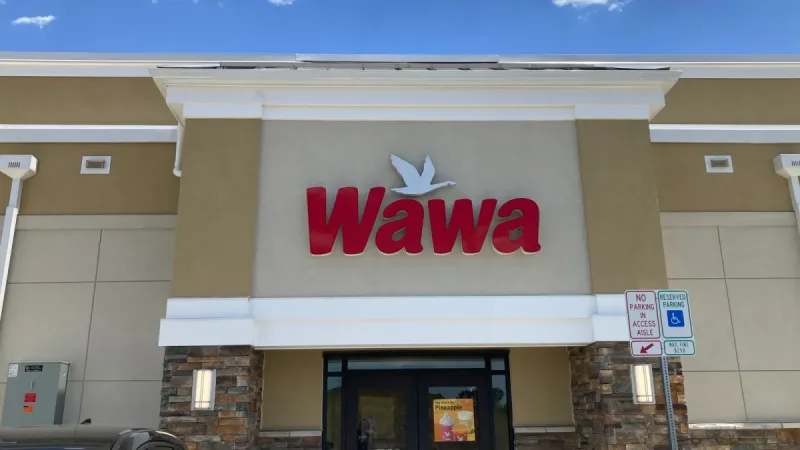
Wawa Elevates Long-Tenured Executive to CIO Role
The convenience store chain has named Bill O'Donnell, a 25-year company veteran, as its new chief information technology officer, putting him in charge of tech strategy, cybersecurity and digital operations.

ServiceNow Debuts Flow, a Conversational Service Desk Built for Speed Over Complexity
ServiceNow is rolling out Flow, a natural language service desk tool that automates employee requests through Slack and Microsoft Teams without requiring a full IT service management overhaul.