Anthropic Lets Users Turn Claude Artifacts Into Standalone Desktop Apps
Anthropic has rolled out a new capability allowing users to generate fully functional desktop applications for Windows and Mac systems through Claude prompts. The feature transforms Claude artifacts into independent apps that run outside the chatbot interface.
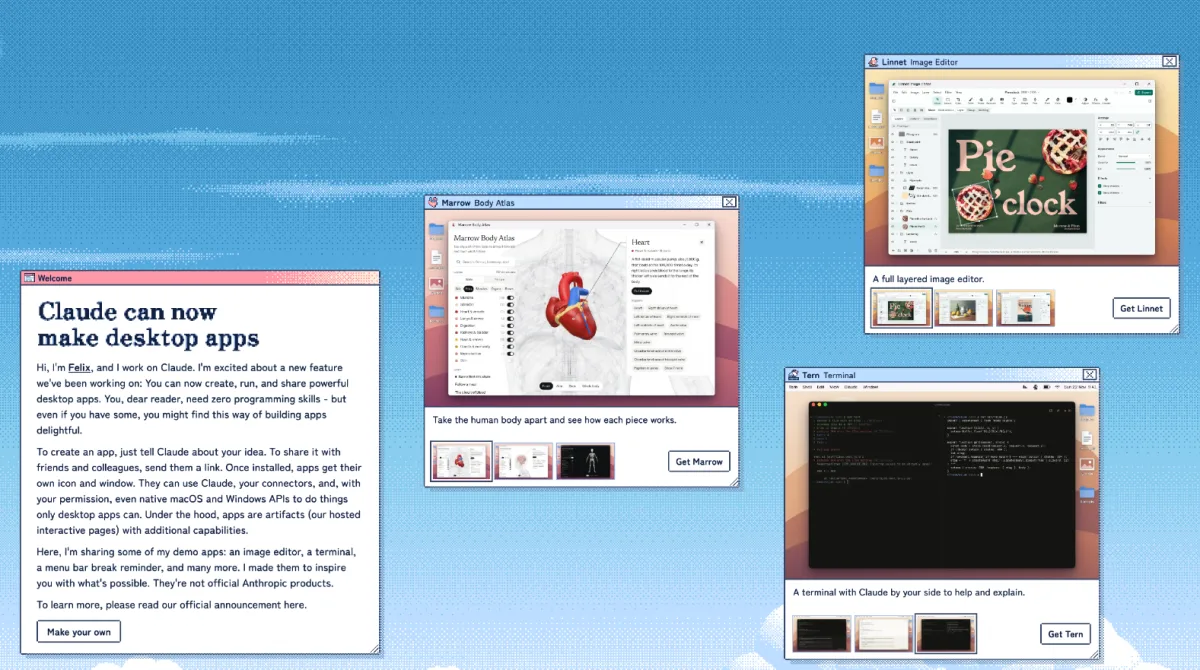
Anthropic PBC unveiled a fresh capability today that enables users to generate fully functional desktop applications for Windows and Mac systems using Claude prompts. The announcement represents one of the company's more significant updates, intensifying discussions among observers who believe artificial intelligence will eventually reshape the software landscape.
The company explained that users can now convert what it refers to as "artifacts" into independent applications that operate separately from Claude and can be launched directly from the desktop. Artifacts, which have existed for some time, can take many forms—ranging from basic order tracking tools to sophisticated meeting dashboards that aggregate information from a user's calendar and email systems.
Previously, accessing artifacts required navigating through Claude itself. Users had to launch the chatbot, authenticate, and then locate the original conversation containing the artifact they wished to use. Given that people regularly rely on Claude artifacts for daily tasks, Anthropic determined the feature warranted maturation. "If you rely on a tool for work, it should open like the rest of your apps and remind you when something needs your attention," the company stated.
The new "Install as App" feature, currently available in beta for Windows and macOS, enables users to create, execute and distribute desktop applications through Claude. A demonstration video shared on X showed the streamlined process: users describe the desired tool, confirm the request, and wait a few seconds while Claude generates the necessary code.
These applications function as genuine desktop software, complete with custom app icons and dedicated windows rather than running within the Claude interface. They also support notifications to keep users informed about important events, Anthropic noted.
https://x.com/ClaudeDevs/status/2125315491522650299?ref_src=twsrc%5Etfw
An additional advantage is that Claude artifacts converted into desktop apps can leverage Claude and various third-party connectors, enabling AI agents to interact with them autonomously. Anthropic cautioned, however, that any requests an app makes to Claude will consume monthly credit allowances, potentially resulting in significant expenses if an application sees heavy usage.
Anthropic highlighted several examples created by its internal teams in a blog post, including Linnet, a fully featured image editing application; Phosphor, a file manager with cinematic design; and Tern, a terminal application that integrates with Claude.
The Install as App feature is now in beta testing for all Claude subscribers, with exceptions for HIPAA-compliant organizations and hybrid Claude deployments. Team plan subscribers will have the feature activated automatically, while Enterprise subscribers require administrator approval to enable it.
A significant limitation distinguishes Claude artifacts-as-apps from conventional desktop applications: according to Anthropic, "you need to be online and signed in to Claude to open an app." This represents a substantial constraint, as many traditional desktop applications function independently of internet connectivity. Users without Wi-Fi access will be unable to launch their Claude-generated apps, regardless of whether the applications are already built and configured.
Read more

Why Chat Interfaces Are Failing AI Work—and What Comes Next
Conversational AI has democratized access to powerful models, but the chat box is fundamentally broken for managing real projects. The next leap requires interfaces that show decisions, not just dialogue.
Super Bowl 61 Sells Out: Brands Bet $8M-$9M Per Spot on Valentine's Day Game
Disney has already sold every advertising slot for Super Bowl 61 on February 14, 2027, with 30-second commercials commanding $8 million to $9 million each. The game is drawing both established players and first-time advertisers seeking to reach what could be another record-breaking audience.
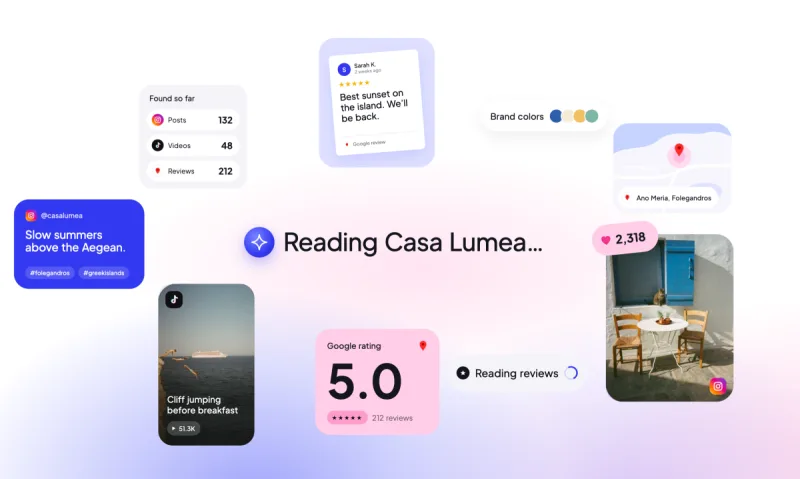
10Web's AI Transforms Social Profiles Into Live Storefronts
The AI website builder has unveiled Start from Anything, a feature that automatically converts content from Instagram, TikTok, Etsy and dozens of other platforms into functional commercial websites.