How Figma is reshaping design education through hands-on product work
Teachers are moving students beyond abstract design concepts toward building real products—apps, prototypes, and interactive experiences—where the learning happens through iteration and feedback.

The gap between conceiving something and bringing it to life is where genuine learning takes root. Across classrooms using Figma, educators are shifting their approach from project-based assignments to product-based work, asking students to construct actual deliverables rather than simply present ideas through traditional formats like posters or presentations.
This transition fundamentally changes what students develop. By building rather than describing, they cultivate skills that mirror professional practice: collaborating in shared digital spaces, exchanging design feedback, conducting user research with real audiences in mind, refining work based on input rather than submitting final versions, and moving seamlessly between visual design and code. Research supports this approach—a Gallup study found that 46% of Gen Z students report their learning interest stems from hands-on work, with roughly 1 in 3 saying they learn best through real-world connections.
Figma for Education provides classrooms with free access to Figma Design, enabling students to move past theoretical concepts and engage with the actual mechanics of designing, testing, and refining on the canvas. The platform also offers Dev Mode for computer science teachers looking to bridge into code instruction. A free 10-part curriculum called Figma Design: High School Essentials for CTE Classes, complete with video tutorials and companion files, helps middle and high school students master fundamentals at their own pace.
Teamwork in action: Illinois classroom
Maddison Dorsey teaches graphic design at a Title 1 high school in Illinois where every student uses a Chromebook. Since these devices cannot support installed desktop applications, Figma's browser-based environment proved ideal. Her students tackle tangible projects—drink can packaging, album covers, board games, and fully functional Android app prototypes. Whether printed for hands-on manipulation or digital for interactive testing, creating something real ignites engagement and creative thinking.
When the entire class operates within a shared Figma team, students organize their work like professional designers: one handles the UI kit, another builds screens, a third manages research. This structure naturally facilitates meaningful critique. According to Dorsey, "One of my favorite things is they post what they're working on in a FigJam and use sticky notes to critique each other." Real-time visibility into who works on what allows her to identify and address issues before they compound, transforming the entire workflow—not just the final output—into a feedback opportunity.
Pushing beyond assignments: Nevada middle school
Kristine Monsada instructs grades 6 through 8 in Nevada. When she introduced Figma Design during an app design unit, her students absorbed the tool rapidly and converted rough sketches into working prototypes. Monsada recalls, "When I first demoed Figma and showed them how a navigation button could link one screen to another, they were like, 'Woah, we can do that?' And then they started thinking, 'Okay, this actually feels real.'"
The blank canvas accelerated student thinking. Rather than filling predetermined templates or working within fixed boundaries, students began with unlimited space, allowing concepts to expand beyond the original scope. One student working on restaurant branding decided his app needed a camera shutter sound button, scrolling video, multiple interactive flows, and animation—none of which were required. He spent hours on YouTube learning how to implement these features independently.
Even after projects concluded, Monsada observed students continuing to refine their work. She notes, "Even at night I'll see 'edited three hours ago.' They just keep going because they love iterating."
Real-world impact: Engineering students solve community problems
Matt Goodman connected his engineering and technology students to an actual community challenge: streamlining high school volunteer signup at a local food bank. Students conducted user research and interviewed food bank staff to pinpoint friction points in the existing process. They prototyped with physical Legos and flashcards before transitioning to Figma for detailed prototyping.
Students demonstrated clickable prototypes directly to food bank staff and received genuine feedback from people who would actually use the app. They then revised designs based on this input—learning to process critique, honor user needs, and iterate in ways a poster or slide deck presentation cannot teach. Goodman explains, "Over the course of the project, they improved their communication skills, showing their design process and prototypes, and taking notes on their client's thoughts. A big piece is helping students become comfortable receiving and implementing user feedback."
The final product transcended classroom boundaries, engaging stakeholders outside school who held students accountable to real-world constraints. Goodman reflects, "The value wasn't just that students went out into the community. It's that they had something demonstrable that they could put in someone's hands and let them test. That's a very different conversation than showing a picture of what you'd build."
Design assignments for your classroom
Building clickable prototypes engages students in feedback loops where they refine rather than merely describe ideas. Consider these design challenges rooted in students' lived experiences:
- Redesign an app for greater accessibility. What changes would enable someone with different abilities, backgrounds, or devices to use it as easily as others?
- Redesign a checkout or cart experience for improved usability. Where do users encounter obstacles, and what would accelerate or clarify the process?
- Design an app addressing a community problem. What does your town lack? What would make your neighborhood safer, more connected, or easier to navigate?
- Redesign an app you use daily. What would you alter if you held the authority? What improvements do you and classmates envision?
- Design an app solving a school problem. Lost and found system? Club registration? Better lunch menu discovery?
- Design an app fostering student connection. Social belonging represents one of middle and high school's greatest challenges. What would you build to help?
When students recognize their work's real-world potential, their motivation to learn intensifies. Monsada observes, "If this class showed me anything, it's that students are willing to learn something they think is super, super cool."
Getting started
Visit figma.com/education to establish a free organizational account. Figma for Education includes complimentary licenses for your entire class and single sign-on for frictionless student access. Teachers can confirm their education status by completing a form at figma.com/education/apply.
David Curran, a learning specialist at Figma, supports educators integrating design into their classrooms. He spent 10 years teaching in California, instructing 3rd grade, 4th grade, and middle school design and engineering.
Read more
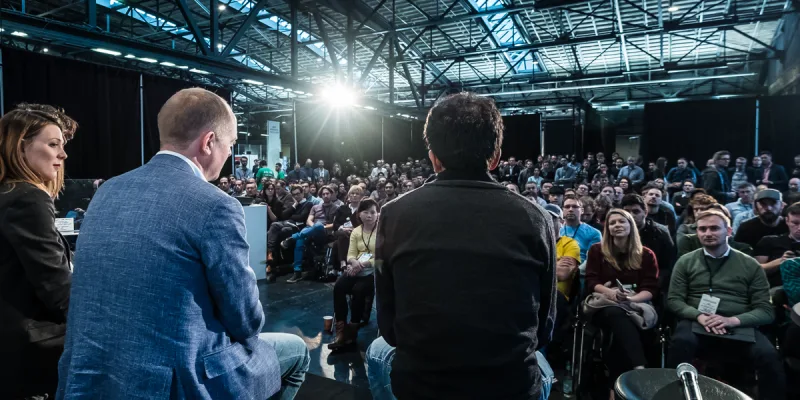
TechCrunch Disrupt 2026 offers $75 passes for laid-off workers seeking their next opportunity
Those affected by recent tech layoffs can attend TechCrunch Disrupt 2026 at San Francisco's Moscone West for $75, with the discounted Expo+ Pass limited to the first 100 qualifying applicants before the event opens October 13.
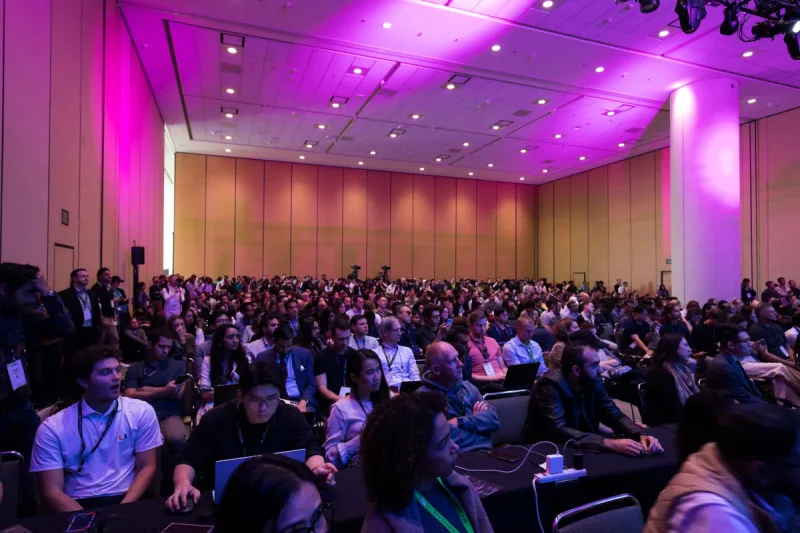
How AI Created the GTM Engineer: Clay's Kareem Amin on a Rapidly Emerging Role
A position that barely existed two years ago is now appearing across technology companies. At TechCrunch Disrupt 2026, Clay's founder will explain how AI and automation are reshaping go-to-market work.
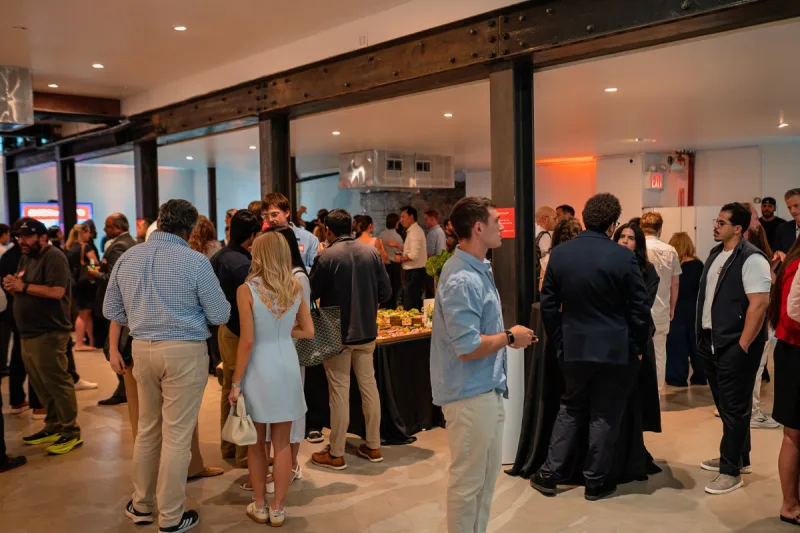
Deadline Tonight: Last Chance to Host a Side Event at Founder Summit 2026
Applications to host a Side Event during TechCrunch Founder Summit 2026 in Boston close at midnight PT tonight. The event runs November 1–7 and will draw over 1,000 tech leaders.